
Changes to the scene’s camera and to any item’s material appearance, ghosting state, transform, or grouped state are not automatically saved to the base scene. These changes will be reset when the model is reloaded unless you intentionally save them.
To save changes to the base scene:
- Open a model in Publishing mode.
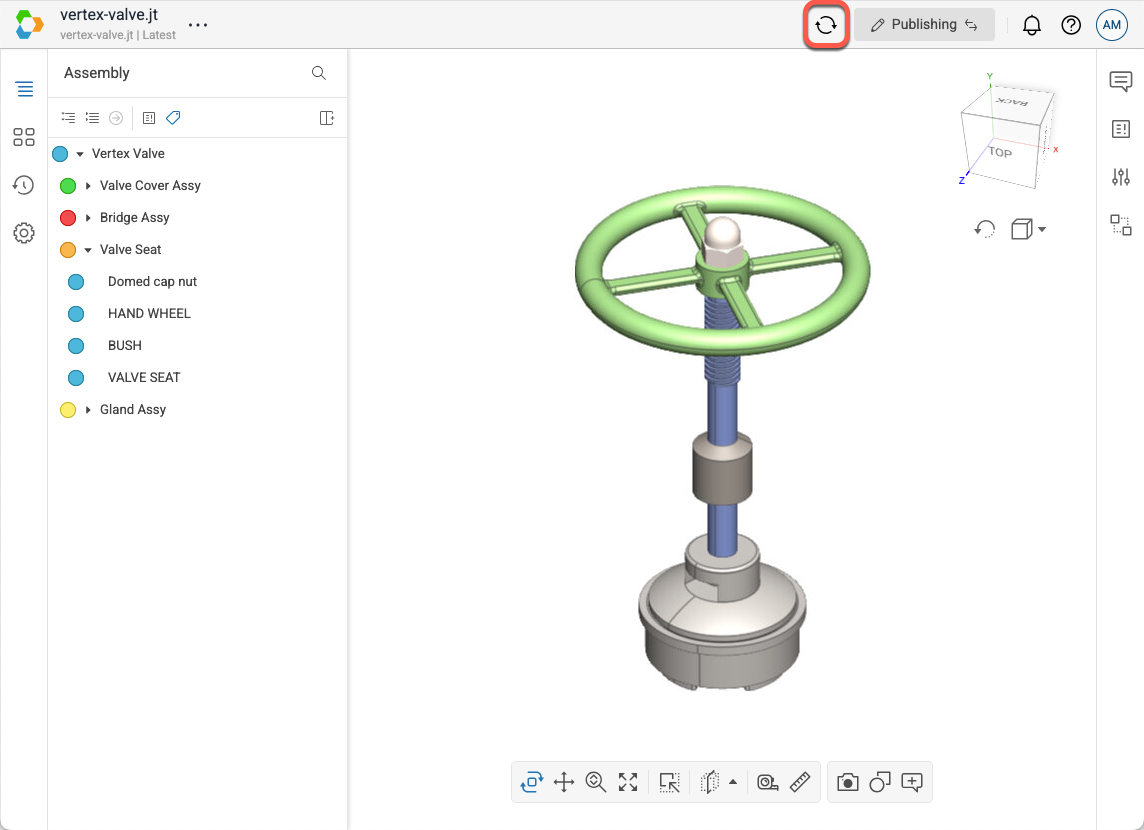
- Select Update Base Scene in the header.
- In the Update Scene dialog, select the elements you wish to save.
- Select Update to save the changes related to the selected elements to the base scene. These elements will now be persisted when the model is reloaded.