
This feature allows users to add a color tag to each item in the scene tree. Tag assignments are saved automatically and will apply for all users viewing the scene.
- Open a model in Publishing mode.
- You can toggle whether the tags appear in the scene tree by selecting the Tags button.
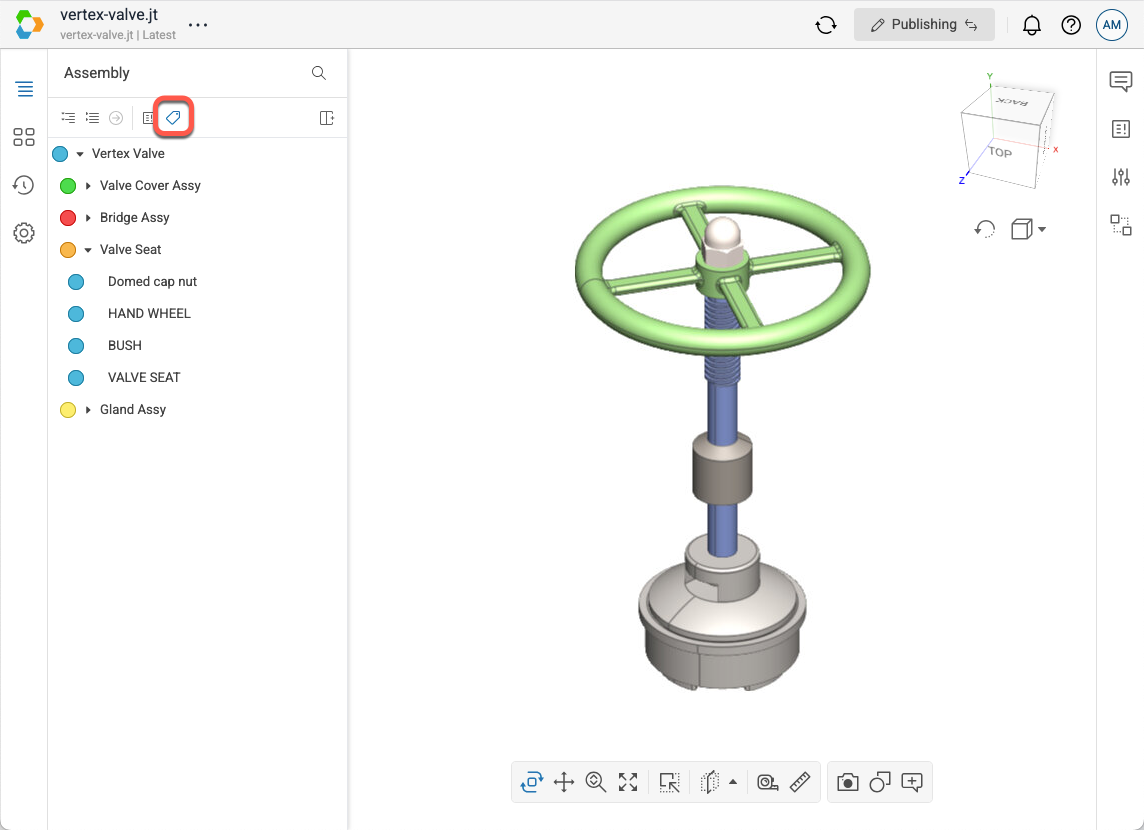
- You can set the color tag for a given item by selecting the circle next to the item and then selecting one of the color options.