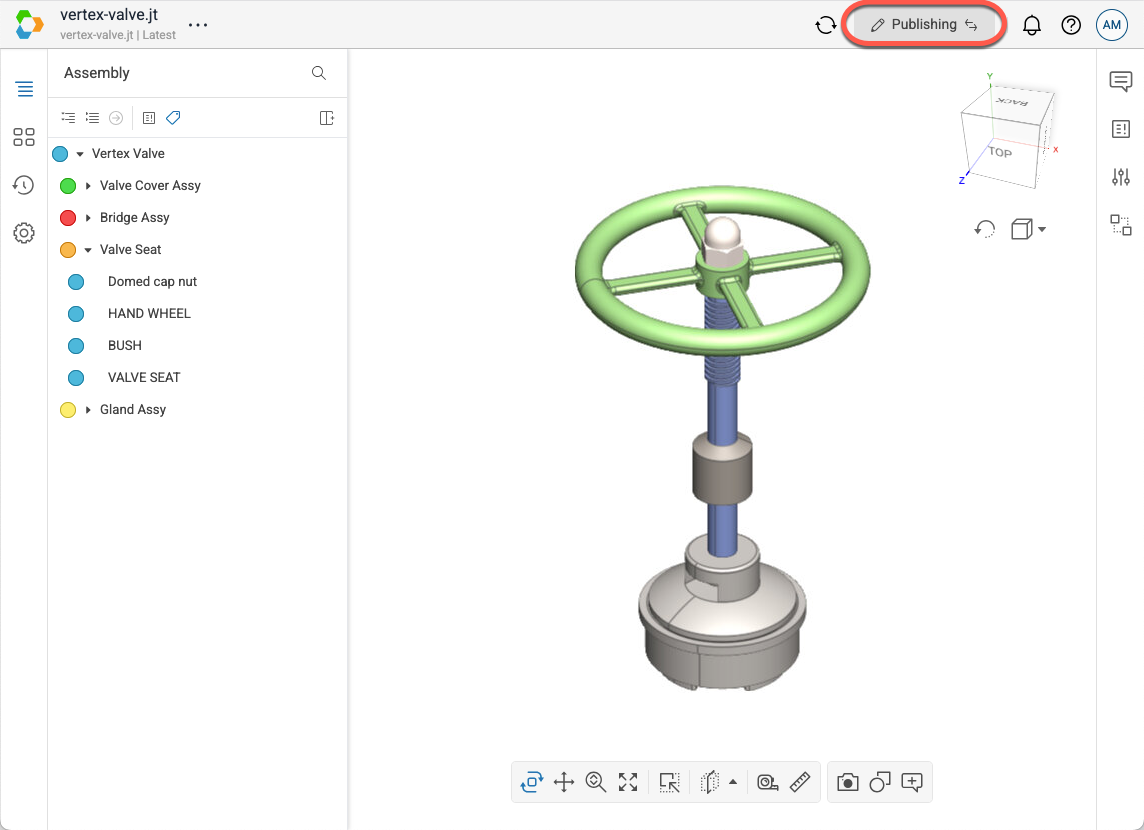
When you have access to the Publish features, there is a button in the top right corner of the model viewer to allow you to switch between Publishing and Viewing modes. To switch modes, select the button. Use each mode for the following:
- Publishing Mode: Edit and manage scene content using Vertex Publish tools.
- Viewing Mode: View and interact with models without modifying their scene structure.
To enter Publishing mode:
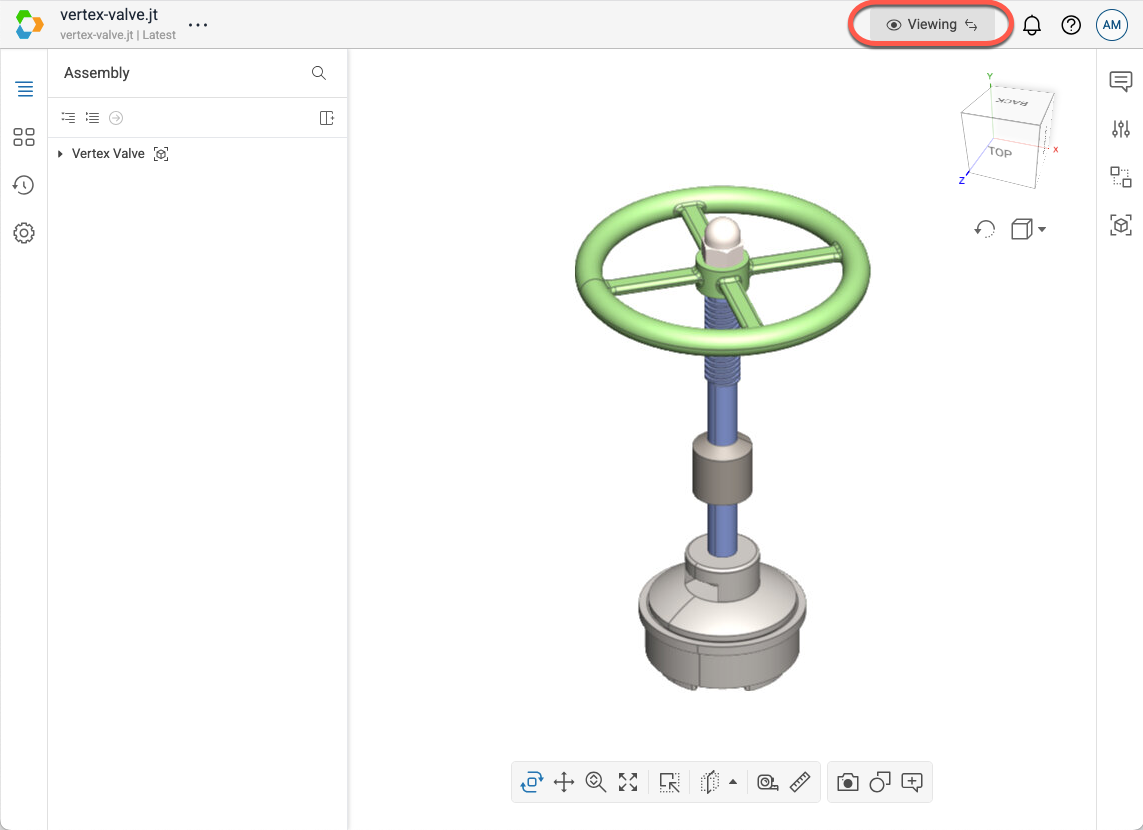
To enter Viewing mode: