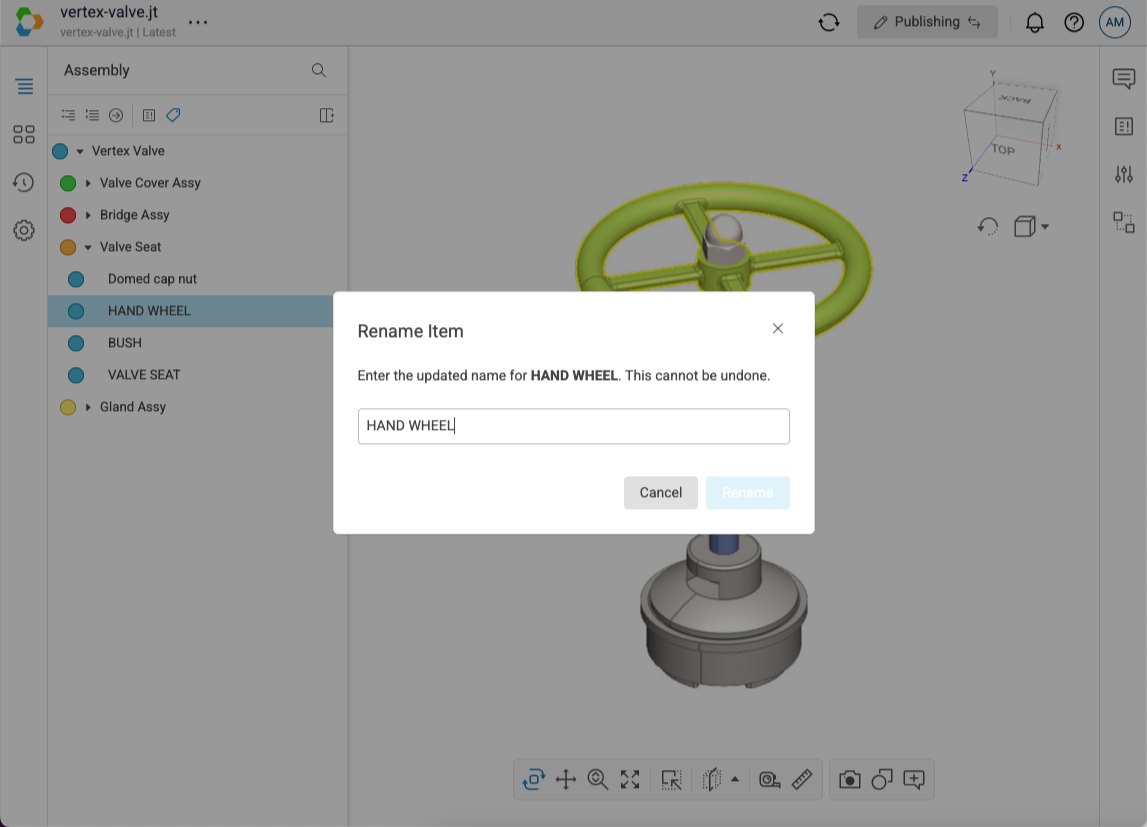
This feature can be used to rename an item in the scene tree. Rename operations are saved automatically and all users viewing the scene will see the updated scene tree.
- Open a model in Publishing mode.
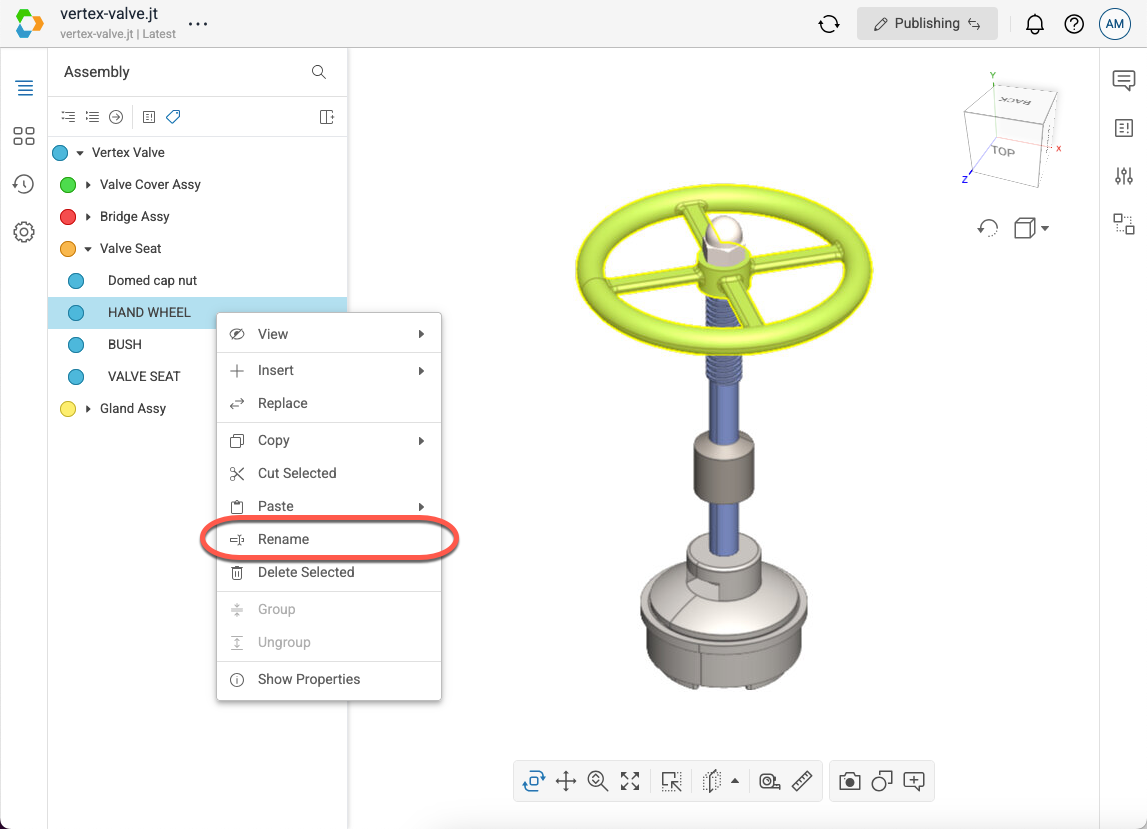
- In the scene tree, right-click on the item you want to rename to open the context menu.
- Select Rename in the menu.
- Note that if you do not have the Publish context menu enabled in your User Settings, then the Rename menu option will be located in the Modify fly-out menu.
- In the dialog, enter the updated name for the item.
- Select Rename.